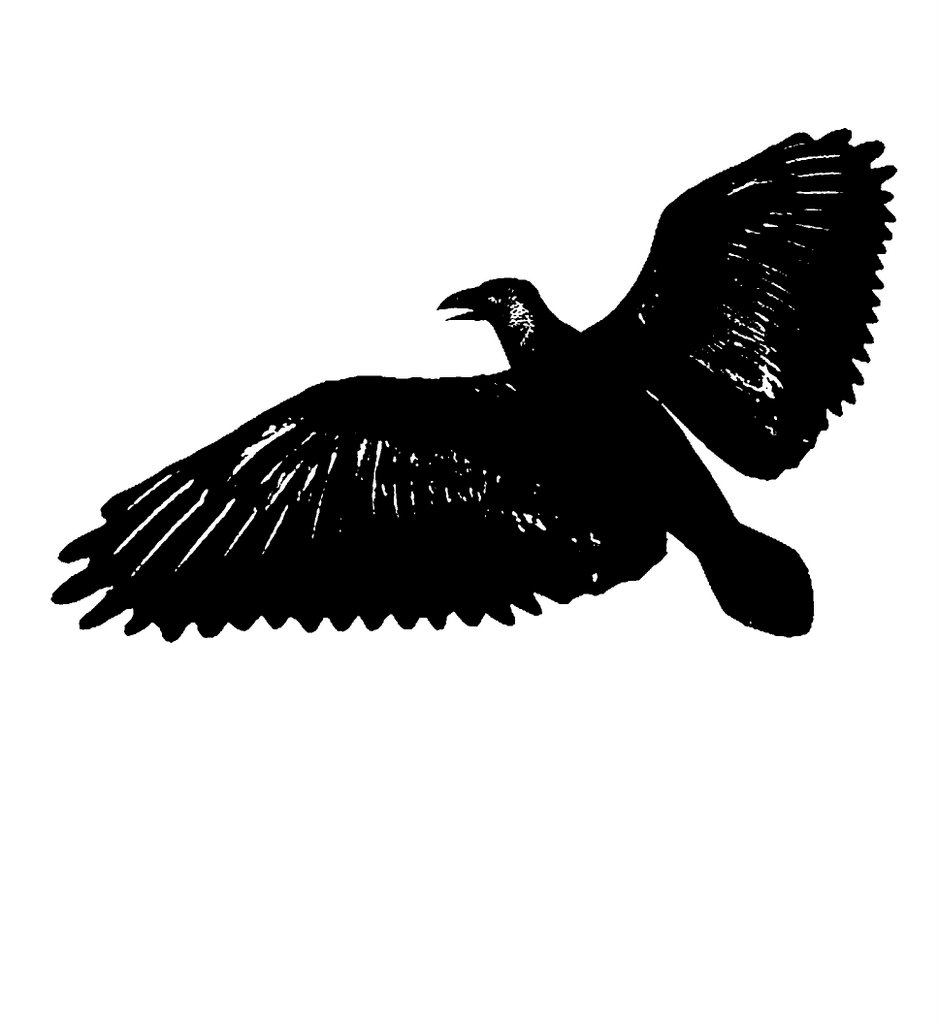
For this method of screen printing (known as the screen filler method) it is best to work with images or drawings that are broken into only positive and negative space. This means that if you have any gradients of gray value they need to be eliminated. You will see why when we get to the tracing stage.
I have broken my bird image into positive and negative space by using a Photoshop tool known as Threshold. This can be found under the top menu bar under the tab "image". Once you have selected "image" scroll down to "Adjust". Under "Adjust" you should see "Threshold" near the bottom of the list. When you select "Threshold" a window will pop up that allows you to adjust the contrast threshold of your image. Of course you do not need to use the computer at all for screenprinting if it does not suit your working process. You can also break up this postive and negative during the drawing or tracing process.
posted by jym d at 11:30 PM


0 Comments:
Post a Comment
<< Home